Images
Blur or hide visual media while keeping the original page untouched and ready to restore.
 Privacy LensBROWSER PRIVACY CONTROLS
Privacy before the screen share
One revealing tab can derail a meeting. Privacy Lens blurs images, blacks out secrets, and swaps exposed tab titles before anyone else sees them.
Top Secret•••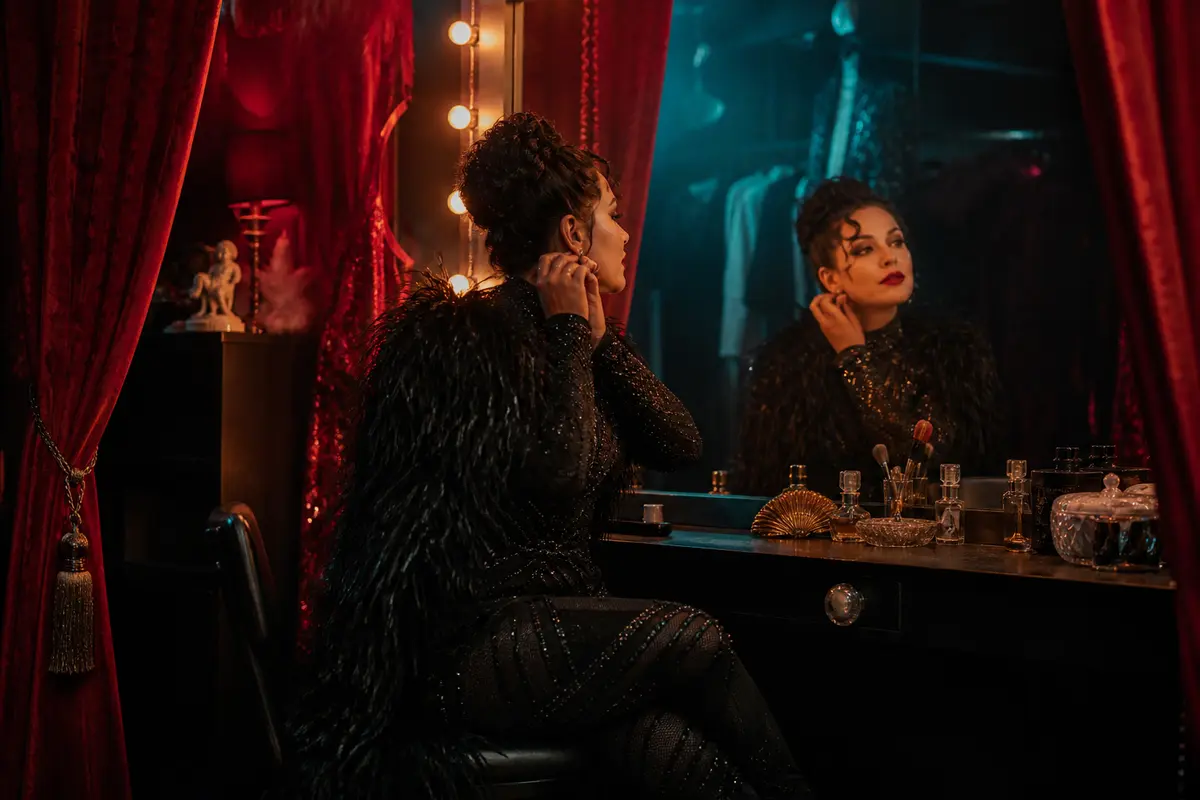 PRIVACY LENS ACTIVE
Host Jo Lane arrives at 9:45 PM.
Contact: jo@night-signal.testFour switches, no cleanup
Turn each layer on or off from the page. Restore everything in one click when the meeting ends.
Blur or hide visual media while keeping the original page untouched and ready to restore.
Black out contact details, payment cards, credentials, Bitcoin and crypto keys, custom phrases, and bounded regex matches—even inside links and form fields.
Rename one tab or every accessible tab to “Top Secret.” Original titles return when protection is removed.
Use soft focus or a stronger frosted treatment when the entire page needs cover for a moment.
What stays local
Secret detection, visual effects, tab controls, preferences, and saved site rules run locally. There are no accounts and no analytics.
The optional image classifier is the exception you control. It is off by default. If enabled, Privacy Lens sends a compressed image to the endpoint shown in Settings and keeps failed checks concealed.
Safe test data, realistic mess
The demo includes fictional mature media, a local video, exposed credentials, contact details, payment and crypto fields, dynamic text, and a simulated code editor.